Marketing Blueprint / Lesson 04 of 16
Track Where Customers Come From Without Counting Button Clicks as Sales
Lesson 04 of 16. An event specification and reconciled acquisition report tied to accepted outcomes. Six implementation steps, a worked example, an editable brief and a completion checklist.
By Aaron Peden · Published · Updated October 27, 2026
LESSON 04 / FOUNDATION
What you will build: An event specification and reconciled acquisition report tied to accepted outcomes.
Marketing decisions depend on the definition of a customer, not the number of pixels installed. A button click, accepted enquiry, qualified opportunity and paid order are separate events. Build the measurement plan before sending more traffic. This lesson gives you a source-of-truth map, event specification and reconciliation process.
Attribution is incomplete by nature. People switch devices, decline analytics and return through another channel. Use tracking to improve decisions while keeping billing and your CRM as outcome sources. Never fill a missing source with an invented value or treat unattributed revenue as zero revenue.
- 01Define the outcome and source of truth
- 02Write a compact event specification
- 03Create a consistent campaign naming convention
- 04Implement once and test consent behavior
- 05Reconcile analytics with operational records
- 06Use the report to choose one action
Before you start
Bring the working brief from the previous lesson. Keep your current offer, customer definition, authoritative sources and delivery constraints available. If a prerequisite is incomplete, return to that lesson before connecting a live workflow.
Use a private draft or safe testing environment for implementation. The examples below use fictional data and do not describe customer results at Rocktomic, YourPeptideBrand or WellStaq. Nothing in this lesson launches ads, sends outreach or changes your accounts.
BUILD STEP 01
Define the outcome and source of truth
Choose the business event you want to measure and where it becomes authoritative. A lead exists after server acceptance; a sale exists under your documented payment or order rule. Define qualified and activated separately. Write the timezone, currency, reporting period and treatment of refunds, cancellations and test records. Establish whether a daily dashboard is provisional or reconciled. This prevents an optimistic front-end event from quietly becoming the revenue number used to set budgets.
Verify before moving on: Each metric has a definition, authoritative system, owner and observation window.
BUILD STEP 02
Write a compact event specification
For each event, record its name, trigger, allowed parameters, consent requirement, duplicate key and destination. Use event IDs for retry handling; do not put names, emails, phone numbers or free-form form answers into analytics parameters. Keep internal customer mapping in an appropriate private system. Define one owner for each event and list existing plugins or tags that may already emit it. An event specification is useful even if you implement only one conversion initially.
Verify before moving on: A developer can identify the exact successful trigger and the zero-event failure cases.
BUILD STEP 03
Create a consistent campaign naming convention
Use controlled lowercase source, medium and campaign values. Keep a link inventory so spelling variants do not fragment reports. Reserve content or term fields for documented uses, and avoid personal information. Preserve the original destination and approved referral parameters when adding campaign tracking. Redirects can drop queries, so test the final landing URL. Do not label every unknown visit direct without understanding what the platform means by that bucket.
Verify before moving on: The same campaign uses the same values across ads, emails and the reporting table.
BUILD STEP 04
Implement once and test consent behavior
Wire the event to confirmed acceptance rather than a button click. Respect the visitor’s consent and browser privacy signals. Test the correct property and environment, and exclude admin or QA traffic where feasible. An analytics tag loading is not evidence that the intended conversion arrived. Open the relevant debug or network view and inspect the destination, event name and permitted fields. Confirm that privacy choices do not break the actual form or purchase path.
Verify before moving on: An accepted test sends one intended event; failed and duplicate actions send none or are deduplicated.
BUILD STEP 05
Reconcile analytics with operational records
For one mature cohort, compare analytics outcomes with accepted CRM records and payments. Separate known differences: consent gaps, cross-device behavior, delayed qualification, duplicate events, refunds and timezones. Investigate unexplained differences before scaling spend. Keep raw counts next to rates. A high close rate on two leads means something different from the same rate on two hundred leads. Document the denominator and do not mix acquisition periods with later renewal revenue.
Verify before moving on: The report explains material differences and identifies records still awaiting qualification or payment.
BUILD STEP 06
Use the report to choose one action
Calculate stage rates, acquisition cost and contribution using matched periods or cohorts. A campaign that produces inexpensive form submissions may still have poor qualified-customer economics. Review the sales and delivery stages before blaming the traffic source. State what you know, what remains unknown and what observation would change your decision. Keep historical snapshots so changing attribution settings does not rewrite your memory of an earlier decision.
Verify before moving on: Your next action cites a reconciled business outcome rather than an isolated engagement metric.
Create an event QA matrix
Use columns for scenario, backend outcome, expected analytics count, observed count and evidence. Include accepted request, invalid request, server timeout, double click, repeated confirmation load and denied analytics consent. A timeout is an uncertain outcome: inspect the receiving record before repeating the operation. If client and server events are both sent, use the destination’s documented deduplication method rather than assuming identical names merge automatically. Keep customer identifiers out of analytics and use only approved nonpersonal keys. Reconcile delayed qualification separately from initial lead acceptance. This matrix is more useful than a screenshot showing a tag installed because it tests the event semantics your budget decisions rely on.
WORKED EXAMPLE / FICTIONAL INPUTS
See how the decisions fit together
Fictional example: a campaign spends $600 and produces 60 recorded form-submit events. The CRM contains 40 accepted enquiries after duplicates and failures are removed; 20 qualify and 6 pay. Cost per accepted enquiry is $15, cost per qualified opportunity is $30 and acquisition cost is $100 per customer. If each customer produces $160 contribution before acquisition, the cohort contributes $360 after the $600 spend, before fixed overhead and tax. Using 60 click events as the denominator would disguise a serious measurement error. Consent gaps can also cause analytics to undercount, so reconcile both directions.
Replace these assumptions with your own supported inputs. Keep unknowns visible and avoid treating this example as a benchmark, a forecast or a result you should expect.
A starting specification you can copy
event_name: lead_accepted
trigger: backend accepted a valid enquiry
allowed_fields: event_id, form_id, campaign_key
forbidden_fields: email, phone, name, answers, secrets
duplicate_rule: one accepted outcome per event_id
truth_sources: CRM acceptance / payment ledger
report: period + source + accepted + qualified + customers + spend
QA: invalid=0; accepted=1; retry=same outcome, not a second sale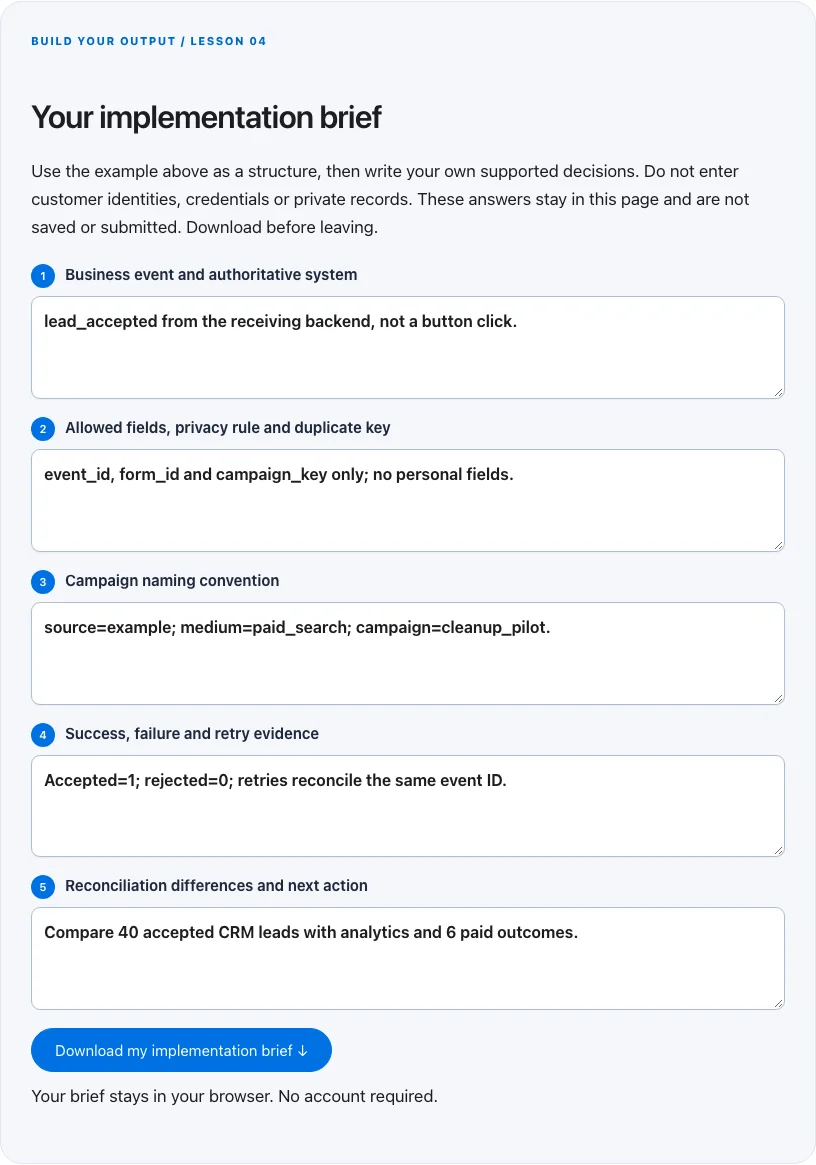
Troubleshoot before you add more tools
| What you notice | What to check next |
|---|---|
| Analytics has more sales than billing | Check duplicate tags, thank-you reloads and test purchases. |
| Many customers have no source | Check consent, redirects and CRM capture; keep Unknown visible rather than inventing attribution. |
| CAC changes wildly week to week | Check cohort maturity, small samples and whether spend and customer periods actually match. |
BUILD YOUR OUTPUT / LESSON 04
Your implementation brief
Use the example above as a structure, then write your own supported decisions. Do not enter customer identities, credentials or private records. These answers stay in this page and are not saved or submitted. Download before leaving.
Your brief stays in your browser. No account required.
OPTIONAL TOOLS / CHOOSE FOR THE JOB
Tools that fit this lesson
Affiliate disclosure: I may earn a commission if you purchase through these affiliate links. You do not need to buy a tool to complete this lesson. These are fit-based options, not a claim that I personally use every product or that a product caused our companies’ results. Check current features, pricing and terms before buying.
GoHighLevel — explore the tool ↗
Consider a CRM-centered workflow when you need pipeline ownership and connected follow-up. Map the states first and test the relevant integrations. A simpler tool may be enough for a single page or sequence.
Replug — explore the tool ↗
An optional link-management tool for organized destinations and campaigns. Preserve issued affiliate parameters and test redirects. A maintained link spreadsheet and direct URLs can be sufficient.
Calilio — explore the tool ↗
A business-phone option when the workflow needs accountable calling or routing. Confirm geography, number availability, recording/privacy requirements and usage charges. A phone system is unnecessary for a purely self-serve digital task.
Free starting point: plan the workflow in a document or spreadsheet and test it using tools you already have. Buy a capability only when a verified constraint justifies it. Read the full affiliate disclosure.
Done means verified.
0 / 6 checkedCheck a line only when you have the evidence. A downloaded plan is a starting point; it does not prove that the live workflow works.
Verify all six checks to mark complete.
Review the evidence, then continue
Keep the output you created, the test date, the source of truth and the result of each completion check. Mark a system Live after the path is deployed and tested. Mark it Working only when adequate recent evidence meets a defined outcome target. If the lesson does not fit your business or stage, write the reason and a review trigger instead of pretending it is complete.
Choose one next action, assign an owner and set a review date. More tools, more traffic or more automation are not automatically the next step. The next lesson builds on this artifact, so resolve missing inputs or failed checks before expanding the system.
Go deeper when you need it
Primary references and further reading
Provider interfaces, limits and policies can change. Check the current official instructions for your account before implementing. This article teaches an operating method; it does not independently certify compliance or business performance.