Marketing Blueprint / Lesson 05 of 16
Build a Lead Magnet That Solves a Real Problem and Earns the Next Conversation
Lesson 05 of 16. A useful downloadable asset, tested delivery path and permission-aware follow-up. Six implementation steps, a worked example, an editable brief and a completion checklist.
By Aaron Peden · Published · Updated October 27, 2026
LESSON 05 / CONVERSION
What you will build: A useful downloadable asset, tested delivery path and permission-aware follow-up.
A lead magnet should leave the reader better equipped even if they never buy. Choose a problem adjacent to your paid offer, solve a meaningful part of it and make the next action easy. A vague PDF that repeats your sales pitch adds a form without adding value. Bring the clear offer and accepted-event tracking from the earlier lessons.
The objective is not the largest possible email list. It is a relevant audience that understands the problem and chooses to continue. Delivery and marketing permission are separate decisions. Someone requesting a worksheet should receive the worksheet whether or not they agree to ongoing promotional messages.
- 01Choose a problem that can be completed
- 02Build the minimum useful asset
- 03Write a specific opt-in page
- 04Connect reliable delivery and recovery
- 05Write a short use-first follow-up
- 06Measure activation and customer fit
Before you start
Bring the working brief from the previous lesson. Keep your current offer, customer definition, authoritative sources and delivery constraints available. If a prerequisite is incomplete, return to that lesson before connecting a live workflow.
Use a private draft or safe testing environment for implementation. The examples below use fictional data and do not describe customer results at Rocktomic, YourPeptideBrand or WellStaq. Nothing in this lesson launches ads, sends outreach or changes your accounts.
BUILD STEP 01
Choose a problem that can be completed
Use questions from real sales conversations, support tickets or search research. Choose a task with a visible finish: calculate allowable CAC, prepare an enquiry-routing test or compare a landing page against a checklist. A narrow worksheet often beats a sprawling beginner guide because the reader can use it immediately. Write the starting situation, required inputs and finished artifact. Check that the task leads naturally toward the larger problem your business solves without withholding essential instructions.
Verify before moving on: The asset promises one practical outcome and a reader can tell when they have completed it.
BUILD STEP 02
Build the minimum useful asset
Use an editable document, spreadsheet or printable checklist with instructions and a filled fictional example. Define every input and show the calculation or decision rule. Protect formulas where appropriate but leave necessary user fields editable. Include assumptions, units and a version date. Avoid requiring macros, paid software or an account unless the task truly needs them. Remove customer records and hidden document metadata before distributing the file. Make the asset usable on a phone or provide a clear desktop alternative.
Verify before moving on: A new reader can use the asset without attending a call or guessing what the fields mean.
BUILD STEP 03
Write a specific opt-in page
Show the actual asset, the problem it solves, the inputs needed and what arrives after the request. Ask for the minimum information required; an email address may be enough, and an ungated download may be more suitable for a simple checklist. State whether the visitor is requesting delivery only or choosing ongoing marketing. Keep the language beside the form clear rather than burying it in general terms. Never pre-check a promotional permission box or make a false scarcity claim.
Verify before moving on: The reader knows what they receive, how it is delivered and what further messages they have chosen.
BUILD STEP 04
Connect reliable delivery and recovery
Choose a delivery route: immediate download, a transactional message with the link, or both. Use a stable public file URL, descriptive filename and a sensible content type. Test the link on a different device and a private browser. If delivery depends on email, test spam-folder placement, link accessibility and what happens when an address is invalid. Provide a recovery route that does not require the visitor to resubmit repeatedly. Keep the asset available after a normal marketing unsubscribe.
Verify before moving on: A successful request produces the correct file, and failure does not display a false success.
BUILD STEP 05
Write a short use-first follow-up
The first message should help the reader use the thing they requested. Name the first input to complete, show one common mistake and link to a relevant lesson. Only send additional promotional follow-up when the permission and applicable rules support it. Give every marketing message a usable opt-out, and remove people who withdraw permission from future sends. Decide when a reply becomes a sales conversation and who handles it. Do not automate an escalating sequence to people who already bought or asked to stop.
Verify before moving on: The sequence starts with utility and has explicit stop conditions for unsubscribes, replies and purchases.
BUILD STEP 06
Measure activation and customer fit
Track accepted requests, successful deliveries, asset activation and qualified next actions as separate stages. Open rates are noisy and can be inflated by privacy features; clicks can also include automated scanners. Prefer observable usage or a meaningful reply where appropriate. Compare the quality of customers attracted by the asset with the cost of producing and distributing it. If it attracts people outside your offer, fix the topic or positioning instead of simply increasing promotional pressure.
Verify before moving on: You can distinguish a delivered file from an activated reader and a qualified customer opportunity.
Design the worksheet so the first action is obvious
Place a one-sentence outcome at the top, followed by prerequisites, a completed fictional row and an empty row to copy. Use explicit units and data validation for numerical inputs. For a checklist, separate required safety or functionality checks from optional improvements, and require evidence before a user marks a required item complete. Add a version date and a stable source link for changed instructions. For spreadsheet assets, inspect hidden tabs, external connections and formulas before distribution. Test the file in the actual supported applications. A polished cover is less important than a clear first task and a correct formula. The asset should remain useful after the promotional sequence ends.
WORKED EXAMPLE / FICTIONAL INPUTS
See how the decisions fit together
Fictional example: a landing-page consultant offers a 12-point enquiry-form QA checklist. A visitor can download it immediately; ongoing tips are an optional choice. Out of 200 relevant visitors, 40 request delivery, 35 successfully access the file and 8 ask a qualified question about implementation. Those are different denominators: request rate is 20%, access per request is 87.5% and qualified questions per request is 20%. They are not sales conversion rates. The first email shows how to test one invalid submission and one valid submission. It does not push a subscription before the worksheet is usable.
Replace these assumptions with your own supported inputs. Keep unknowns visible and avoid treating this example as a benchmark, a forecast or a result you should expect.
A starting specification you can copy
Asset: 12-point enquiry-form QA checklist
Reader inputs: page URL, device, expected destination
Finished result: pass/fail evidence and prioritized fixes
Delivery: immediate file + requested delivery email
Marketing permission: separate, optional and recorded
First helpful message: run one invalid and one valid submission
Stop rules: unsubscribe, purchase, explicit no-contact request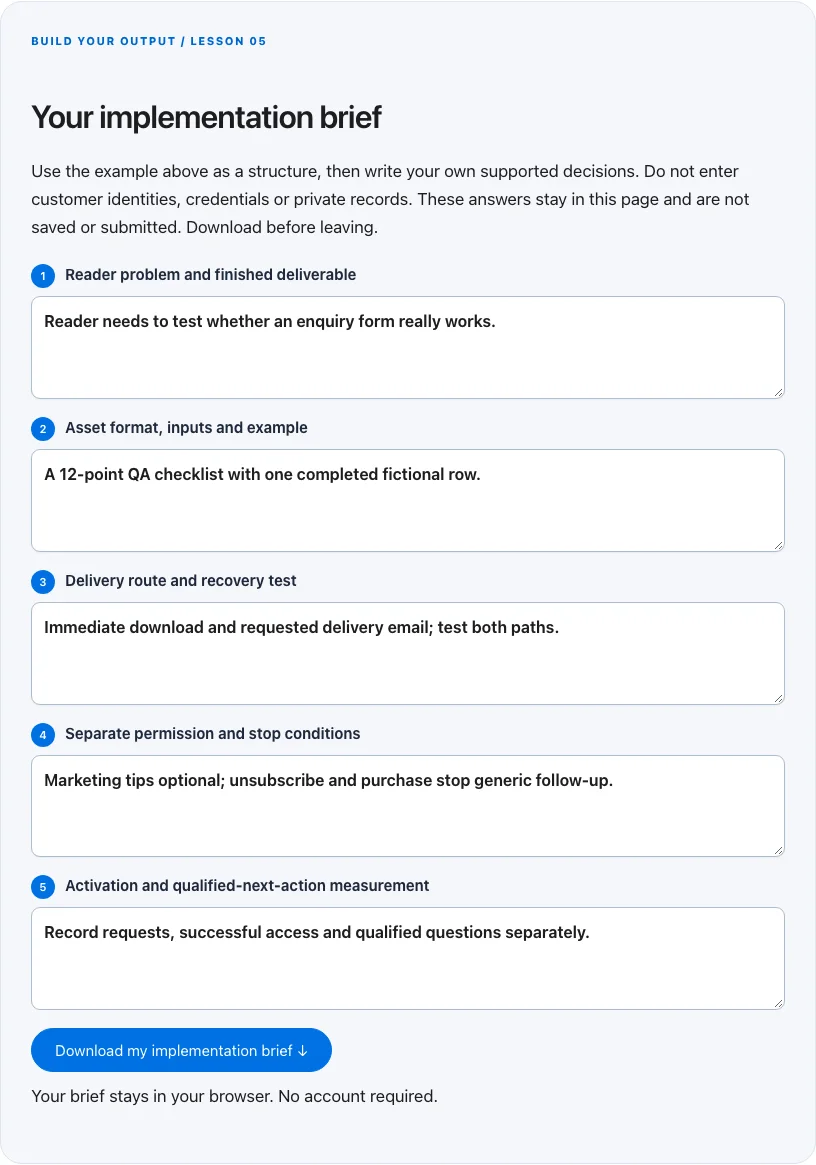
Troubleshoot before you add more tools
| What you notice | What to check next |
|---|---|
| People subscribe but never use the asset | Shorten the first task and show a filled example; verify delivery before blaming motivation. |
| The asset attracts irrelevant leads | Match the task to the buying situation from Lesson 01 and clarify who it is for. |
| Repeated requests create duplicate follow-ups | Use one contact record, an explicit delivery state and deduplicated enrollment logic. |
BUILD YOUR OUTPUT / LESSON 05
Your implementation brief
Use the example above as a structure, then write your own supported decisions. Do not enter customer identities, credentials or private records. These answers stay in this page and are not saved or submitted. Download before leaving.
Your brief stays in your browser. No account required.
OPTIONAL TOOLS / CHOOSE FOR THE JOB
Tools that fit this lesson
Affiliate disclosure: I may earn a commission if you purchase through these affiliate links. You do not need to buy a tool to complete this lesson. These are fit-based options, not a claim that I personally use every product or that a product caused our companies’ results. Check current features, pricing and terms before buying.
Systeme.io — explore the tool ↗
A candidate for a simple funnel, asset-delivery and email workflow. Verify the exact plan capabilities and consent handling. Skip it if your current website and email tools already complete the job.
Sender — explore the tool ↗
An email-delivery and automation option for permission-aware sequences. Verify authentication, unsubscribe, segmentation and the actual plan limits. Draft and test the logic before enrolling a real audience.
GoHighLevel — explore the tool ↗
Consider a CRM-centered workflow when you need pipeline ownership and connected follow-up. Map the states first and test the relevant integrations. A simpler tool may be enough for a single page or sequence.
Collect.chat — explore the tool ↗
An optional conversational intake interface. Test keyboard access, mobile layout, accepted-record routing and privacy. A conventional accessible form may be clearer for a short enquiry.
Free starting point: plan the workflow in a document or spreadsheet and test it using tools you already have. Buy a capability only when a verified constraint justifies it. Read the full affiliate disclosure.
Done means verified.
0 / 6 checkedCheck a line only when you have the evidence. A downloaded plan is a starting point; it does not prove that the live workflow works.
Verify all six checks to mark complete.
Review the evidence, then continue
Keep the output you created, the test date, the source of truth and the result of each completion check. Mark a system Live after the path is deployed and tested. Mark it Working only when adequate recent evidence meets a defined outcome target. If the lesson does not fit your business or stage, write the reason and a review trigger instead of pretending it is complete.
Choose one next action, assign an owner and set a review date. More tools, more traffic or more automation are not automatically the next step. The next lesson builds on this artifact, so resolve missing inputs or failed checks before expanding the system.
Go deeper when you need it
Primary references and further reading
Provider interfaces, limits and policies can change. Check the current official instructions for your account before implementing. This article teaches an operating method; it does not independently certify compliance or business performance.