Marketing Blueprint / Lesson 10 of 16
Turn One Useful Demonstration Into a YouTube and Social Publishing System
Lesson 10 of 16. A repeatable video-to-post workflow with original demonstrations, source links and a useful next action. Six implementation steps, a worked example, an editable brief and a completion checklist.
By Aaron Peden · Published · Updated October 27, 2026
LESSON 10 / ACQUISITION
What you will build: A repeatable video-to-post workflow with original demonstrations, source links and a useful next action.
Publishing more is not a strategy unless each piece helps a specific audience. Start with one task you can demonstrate accurately. A useful screen recording, explanation or before-and-after example can become a long video, a short clip and a written guide without pretending that every platform needs a new personality.
AI can help organize the script, draft captions and propose cuts. A human checks meaning, rights, accessibility and whether a short clip removes important context. This lesson builds a repeatable production unit rather than a promise of viral growth.
- 01Choose a customer question with a visible answer
- 02Plan a source-backed demonstration
- 03Write and record the core lesson
- 04Repurpose without stripping the context
- 05Package and publish with honest metadata
- 06Review audience fit and useful progression
Before you start
Bring the working brief from the previous lesson. Keep your current offer, customer definition, authoritative sources and delivery constraints available. If a prerequisite is incomplete, return to that lesson before connecting a live workflow.
Use a private draft or safe testing environment for implementation. The examples below use fictional data and do not describe customer results at Rocktomic, YourPeptideBrand or WellStaq. Nothing in this lesson launches ads, sends outreach or changes your accounts.
BUILD STEP 01
Choose a customer question with a visible answer
Use a question from your offer research, sales calls or guide library. Define the viewer’s starting situation and the task they should complete. Prefer a topic you can show: test a form failure, calculate contribution or inspect a sitemap. Write the promised outcome before choosing a title. Research how viewers phrase the question, but do not turn a search estimate into a claim that a video will attract customers.
Verify before moving on: One viewer, one question and one demonstrable outcome are written in the brief.
BUILD STEP 02
Plan a source-backed demonstration
Prepare the real interface, safe sample data and the exact action sequence. Record the current date and version when instructions may change. Remove customer records and credentials from the capture environment. Decide which details must remain visible for the viewer to reproduce the task. If the example is simulated, label it in the footage and description. Do not present a practice dashboard or illustrative chart as a company result.
Verify before moving on: The capture environment is safe and the viewer can distinguish actual actions from fictional inputs.
BUILD STEP 03
Write and record the core lesson
Open with the practical result, then show prerequisites, steps, output and failure checks. Read labels aloud and pause where the viewer needs to inspect a control. Keep the CTA related to the lesson: download the worksheet or read the next implementation step. Give captions a factual review, particularly names, numbers and code. Remove pauses that add no value while retaining explanations that prevent mistakes. A polished intro is less important than a reproducible middle.
Verify before moving on: The full video teaches the promised task without requiring a viewer to guess missing transitions.
BUILD STEP 04
Repurpose without stripping the context
Select clips that each contain one understandable idea. Add context in the caption when the clip cannot carry prerequisites or limitations. Change layout deliberately for vertical formats rather than cropping away the relevant interface. Link to the complete guide or video for the full method. Review AI-generated summaries against the original recording. Keep the same claim, scope and evidence standard across the long video, short clip and social post.
Verify before moving on: A short version does not imply a broader result or stronger certainty than the full lesson supports.
BUILD STEP 05
Package and publish with honest metadata
Write a specific title and thumbnail that match what the viewer receives. Avoid misleading revenue screenshots, false urgency or a result the lesson does not demonstrate. Add chapters, a useful description, source links, captions and relevant disclosures. If a tool link is affiliated, disclose that relationship near the recommendation and in the description where appropriate. Test the landing page and download destination from the published post.
Verify before moving on: The public title, thumbnail, description and destination accurately describe the same lesson.
BUILD STEP 06
Review audience fit and useful progression
Inspect retention around confusing transitions, comments that reveal missing prerequisites and clicks to relevant resources. Views, likes and subscribers are not direct evidence of customers. Track accepted next actions through the measurement framework from Lesson 04, with consent limitations acknowledged. Rework recurring confusing sections before increasing the publishing schedule. Keep a content log so a future refresh updates the video, article and derivative clips together.
Verify before moving on: The next production decision is based on audience questions and useful outcomes, not output count alone.
Maintain a single content package
Keep the original recording, script, caption file, thumbnail, source references, guide URL and derivative clip list together. Add a version identifier and review owner. Write the factual boundaries once and carry them into each derivative. If a clip displays a number, its caption should retain the period and illustrative or actual status. Use descriptive destination links so a viewer can find the full method without searching your homepage. Check the public post on the platform, because upload processing can alter captions, crops or link handling. Record the final URLs and update the package when the underlying interface changes. This reduces inconsistent advice across a growing library.
WORKED EXAMPLE / FICTIONAL INPUTS
See how the decisions fit together
Fictional example: a five-minute video shows how to verify one enquiry event. The creator captures a valid submission, a rejected submission and a duplicate attempt in the practice lab. A 45-second clip explains why a click is not a customer; a written guide includes the complete event specification. The clip links to the guide, not an unrelated product page. If viewers repeatedly ask where to see acceptance, the next revision adds that missing view. A high view count would still not prove that viewers installed correct tracking.
Replace these assumptions with your own supported inputs. Keep unknowns visible and avoid treating this example as a benchmark, a forecast or a result you should expect.
A starting specification you can copy
Question → viewer's starting state → visible finished result
Core lesson → prerequisites / demonstration / failure check / CTA
Derivatives → short clip / caption / linked guide
Publish QA → title match / captions / sources / affiliate disclosure
Review → confusing timestamps / useful comments / accepted actions
Refresh → update all versions when the workflow changes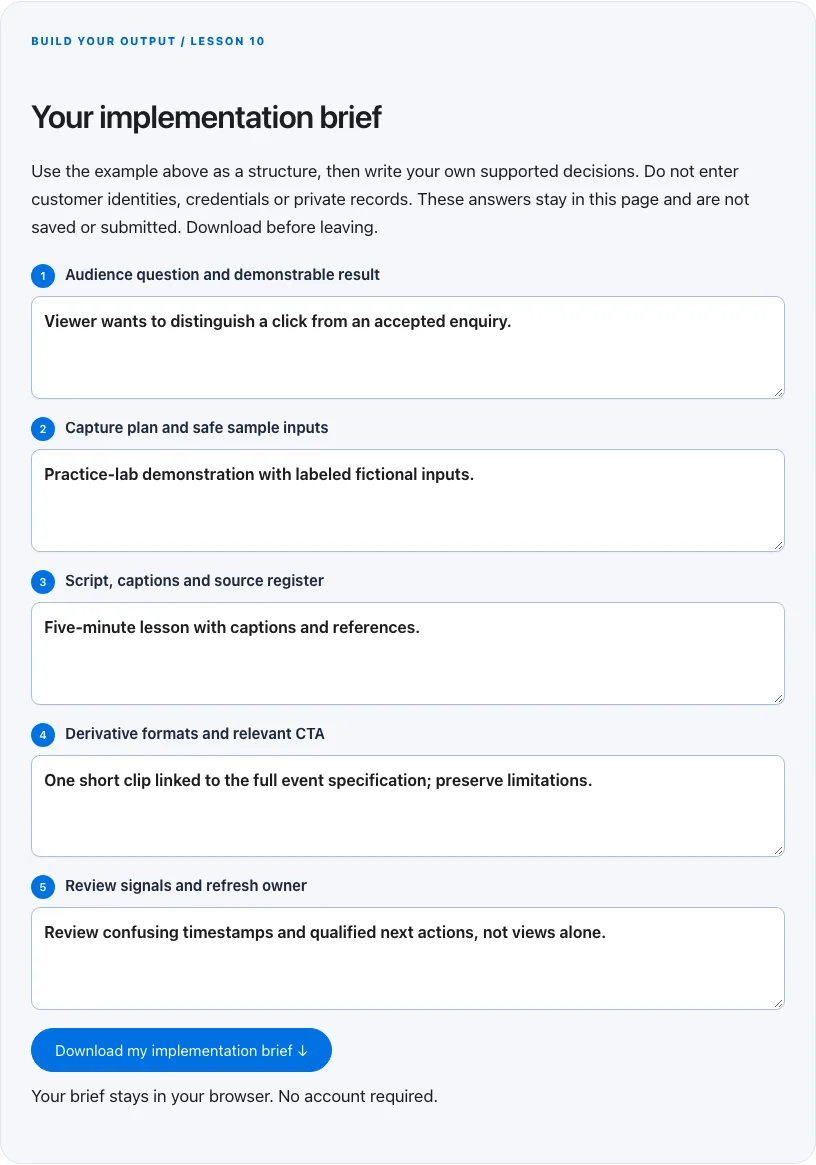
Troubleshoot before you add more tools
| What you notice | What to check next |
|---|---|
| The clips get views but no relevant visits | Check audience-topic fit and whether the CTA leads to a useful related resource. |
| The short clip makes an exaggerated claim | Restore scope and limitations in the clip or do not publish that cut. |
| Production takes too long to repeat | Standardize one demonstration format before adding new platforms. |
BUILD YOUR OUTPUT / LESSON 10
Your implementation brief
Use the example above as a structure, then write your own supported decisions. Do not enter customer identities, credentials or private records. These answers stay in this page and are not saved or submitted. Download before leaving.
Your brief stays in your browser. No account required.
OPTIONAL TOOLS / CHOOSE FOR THE JOB
Tools that fit this lesson
Affiliate disclosure: I may earn a commission if you purchase through these affiliate links. You do not need to buy a tool to complete this lesson. These are fit-based options, not a claim that I personally use every product or that a product caused our companies’ results. Check current features, pricing and terms before buying.
vidIQ — explore the tool ↗
A YouTube research and optimization option. Use its suggestions as hypotheses alongside audience questions and platform analytics. It cannot guarantee views, leads or customers; begin with a useful demonstration.
Synthesys — explore the tool ↗
An AI voice/video option for a disclosed demonstration or explainer. Verify rights, identity permissions, captions and every claim. It is never a way to manufacture a testimonial; a real screen recording may be more useful.
Free starting point: plan the workflow in a document or spreadsheet and test it using tools you already have. Buy a capability only when a verified constraint justifies it. Read the full affiliate disclosure.
Done means verified.
0 / 6 checkedCheck a line only when you have the evidence. A downloaded plan is a starting point; it does not prove that the live workflow works.
Verify all six checks to mark complete.
Review the evidence, then continue
Keep the output you created, the test date, the source of truth and the result of each completion check. Mark a system Live after the path is deployed and tested. Mark it Working only when adequate recent evidence meets a defined outcome target. If the lesson does not fit your business or stage, write the reason and a review trigger instead of pretending it is complete.
Choose one next action, assign an owner and set a review date. More tools, more traffic or more automation are not automatically the next step. The next lesson builds on this artifact, so resolve missing inputs or failed checks before expanding the system.
Go deeper when you need it
- Turn one question into a useful tutorial video →
- Turn customer questions into a content plan →
- Conversion tracking →
Primary references and further reading
Provider interfaces, limits and policies can change. Check the current official instructions for your account before implementing. This article teaches an operating method; it does not independently certify compliance or business performance.