Marketing Blueprint / Lesson 06 of 16
Create an AI-Assisted Sales Video That Demonstrates the Offer Honestly
Lesson 06 of 16. A captioned, accurate explainer with a tested player, specific CTA and evidence-backed script. Six implementation steps, a worked example, an editable brief and a completion checklist.
By Aaron Peden · Published · Updated October 27, 2026
LESSON 06 / CONVERSION
What you will build: A captioned, accurate explainer with a tested player, specific CTA and evidence-backed script.
A useful sales video shows the buyer how the offer works. It does not replace clear written information, invent customer testimonials or use an avatar to impersonate a real customer. AI can help draft, storyboard, caption or produce narration; a person remains responsible for accuracy, rights and the final claims.
Make the video after the offer, page and measurement plan are defined. Your first version can be a short screen recording with a human voice. Expensive production is unnecessary if the buyer still cannot tell what they receive. Keep the complete offer accessible as text for visitors who cannot or do not want to watch.
- 01Choose one decision the video should help
- 02Write a claim-and-evidence script
- 03Storyboard the actual demonstration
- 04Use AI production with clear identity boundaries
- 05Publish an accessible, lightweight player
- 06Measure comprehension and qualified action
Before you start
Bring the working brief from the previous lesson. Keep your current offer, customer definition, authoritative sources and delivery constraints available. If a prerequisite is incomplete, return to that lesson before connecting a live workflow.
Use a private draft or safe testing environment for implementation. The examples below use fictional data and do not describe customer results at Rocktomic, YourPeptideBrand or WellStaq. Nothing in this lesson launches ads, sends outreach or changes your accounts.
BUILD STEP 01
Choose one decision the video should help
Decide whether the video explains the product, demonstrates a workflow or prepares the viewer for a call. Pick one audience and one next action. Write the viewer’s starting question and the information they need to decide. Keep this purpose narrower than your whole company story. For a new offer, a real demonstration can be more useful than a dramatic founder narrative. State which parts of the workflow you can actually show and which remain a mockup.
Verify before moving on: The video brief names one buying question, one viewer and one intended next step.
BUILD STEP 02
Write a claim-and-evidence script
Use a simple sequence: problem, useful outcome, mechanism, demonstration, limits and next action. Beside every factual claim, list the evidence source or remove the claim. Include price and conditions when those determine the decision. Replace abstract adjectives with a visible action or deliverable. Read the script aloud and cut sentences that are difficult to understand without rereading. Mark illustrative examples clearly, especially if they include revenue, conversion rates or customer outcomes.
Verify before moving on: Every claim is supportable and every example is labeled as actual or illustrative.
BUILD STEP 03
Storyboard the actual demonstration
List each screen or shot, what the viewer should notice and what the narration explains. Show the input, action and output rather than jumping from a dashboard to a success claim. Blur or mask names, accounts, payment details and secret values. Use a clean demonstration account or fictional inputs where possible. Put a short caption on the video explaining that a demo is not a real customer result. Avoid cropping away a material limitation or error that changes what the feature means.
Verify before moving on: The viewer can follow the workflow and understand what the footage does and does not establish.
BUILD STEP 04
Use AI production with clear identity boundaries
If using synthetic voice or avatars, check the provider’s current licensing and consent requirements. Do not clone someone’s face or voice without permission, and do not present an artificial spokesperson as a customer. Review pronunciations, on-screen text, charts and numerical claims frame by frame. Add a clear synthetic-presenter disclosure where it would otherwise mislead. Keep source footage and project files so errors can be corrected rather than generating an unrelated replacement each time.
Verify before moving on: You hold the necessary rights and the final video does not misrepresent identity, experience or endorsement.
BUILD STEP 05
Publish an accessible, lightweight player
Provide accurate captions and a transcript. Avoid autoplay audio and controls that cannot be reached by keyboard. Use a representative poster image, sensible dimensions and a player that does not block the page’s main content. Test the video on a narrow screen and a slower connection. Make the written CTA available outside the player. If loading an external player introduces tracking, apply the site’s privacy choices and explain the provider relationship.
Verify before moving on: A reader can understand the offer and take the next step even if the video never plays.
BUILD STEP 06
Measure comprehension and qualified action
Ask relevant viewers to explain what they would receive after watching. Track starts, meaningful engagement and accepted next actions separately; a completed view is not a sale. Compare viewers and non-viewers cautiously because they may differ before watching. Test one script or demonstration improvement at a time, preserve versions and note sample size. A short video that helps the right person decide can be more valuable than a longer video with higher total watch time.
Verify before moving on: The review connects the video to clarity and qualified action without inventing a conversion lift.
Audit the script and final frames together
Make a table with script sentence, visible evidence, rights status and final timestamp. A correct script can still become misleading when editing removes a qualification or places a result beside unrelated footage. Review charts for axes, units and periods; review screenshots for sensitive information; review synthetic narration for pronunciation and identity disclosure. Keep captions synchronized and provide a transcript containing the same material qualifications. If you change the offer, review the video, poster, transcript, description and landing page as a single release. The video should not continue advertising an old deliverable after the page has changed. Store the editable project and source files so a factual fix is inexpensive.
WORKED EXAMPLE / FICTIONAL INPUTS
See how the decisions fit together
Fictional example: a three-minute explainer demonstrates a bookkeeping cleanup review. The screen shows a fabricated sample ledger, the issue checklist and a real example of the deliverable structure. It does not show a fake bank balance or imply guaranteed savings. The final CTA is “See the review scope,” linked to the same offer page used elsewhere. If 100 viewers start the video, 45 reach the demonstration and 6 request a qualified call, those observations identify possible review points. They do not prove that the video caused all six enquiries.
Replace these assumptions with your own supported inputs. Keep unknowns visible and avoid treating this example as a benchmark, a forecast or a result you should expect.
A starting specification you can copy
0:00 Buyer problem and clear outcome
0:20 What arrives and who it is for
0:45 Actual workflow: input → action → output
1:45 Boundaries, dependencies and relevant proof
2:20 What the next step involves
2:45 Specific CTA; written alternative below the player
Review: claims / rights / captions / mobile / load behavior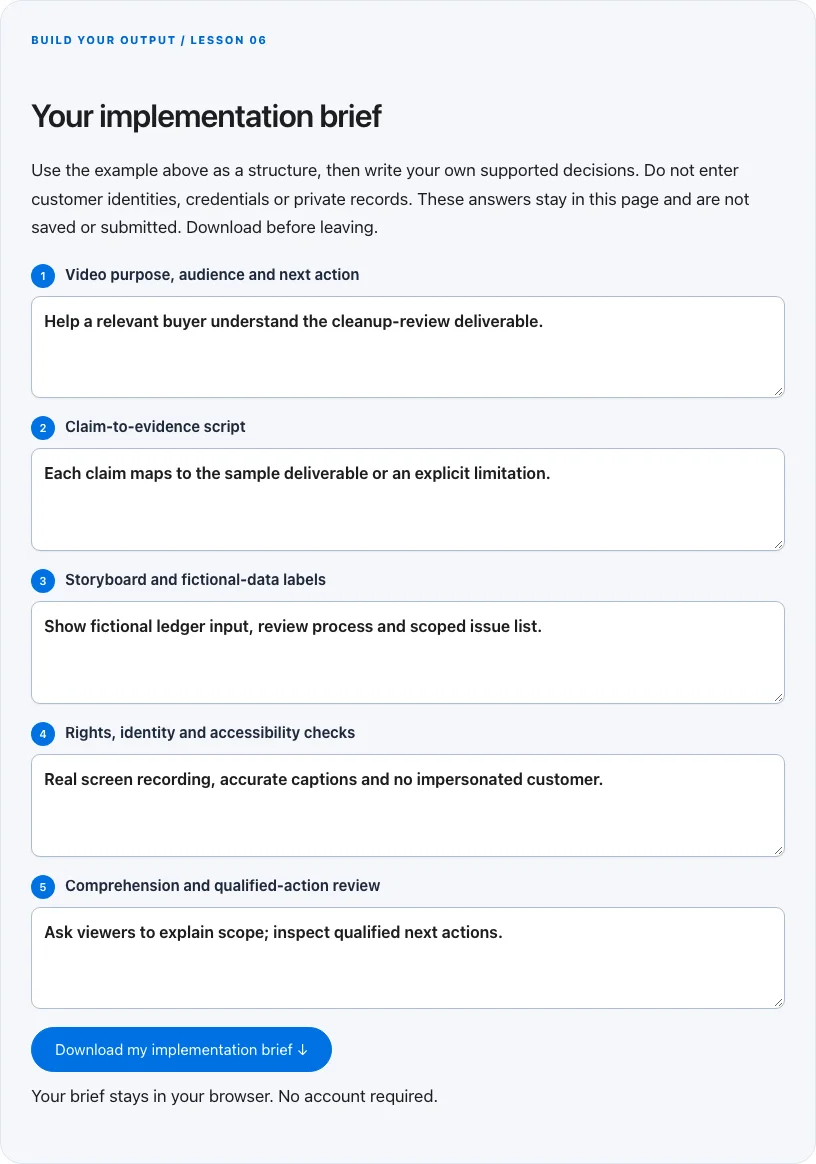
Troubleshoot before you add more tools
| What you notice | What to check next |
|---|---|
| The video feels persuasive but confusing | Show the actual deliverable and ask viewers to explain the transaction in their own words. |
| AI narration states an unsupported result | Remove or qualify the sentence; the script is not evidence. |
| The page slows down after embedding | Use a poster or deferred player and keep the written CTA independent of playback. |
BUILD YOUR OUTPUT / LESSON 06
Your implementation brief
Use the example above as a structure, then write your own supported decisions. Do not enter customer identities, credentials or private records. These answers stay in this page and are not saved or submitted. Download before leaving.
Your brief stays in your browser. No account required.
OPTIONAL TOOLS / CHOOSE FOR THE JOB
Tools that fit this lesson
Affiliate disclosure: I may earn a commission if you purchase through these affiliate links. You do not need to buy a tool to complete this lesson. These are fit-based options, not a claim that I personally use every product or that a product caused our companies’ results. Check current features, pricing and terms before buying.
Synthesys — explore the tool ↗
An AI voice/video option for a disclosed demonstration or explainer. Verify rights, identity permissions, captions and every claim. It is never a way to manufacture a testimonial; a real screen recording may be more useful.
vidIQ — explore the tool ↗
A YouTube research and optimization option. Use its suggestions as hypotheses alongside audience questions and platform analytics. It cannot guarantee views, leads or customers; begin with a useful demonstration.
Free starting point: plan the workflow in a document or spreadsheet and test it using tools you already have. Buy a capability only when a verified constraint justifies it. Read the full affiliate disclosure.
Done means verified.
0 / 6 checkedCheck a line only when you have the evidence. A downloaded plan is a starting point; it does not prove that the live workflow works.
Verify all six checks to mark complete.
Review the evidence, then continue
Keep the output you created, the test date, the source of truth and the result of each completion check. Mark a system Live after the path is deployed and tested. Mark it Working only when adequate recent evidence meets a defined outcome target. If the lesson does not fit your business or stage, write the reason and a review trigger instead of pretending it is complete.
Choose one next action, assign an owner and set a review date. More tools, more traffic or more automation are not automatically the next step. The next lesson builds on this artifact, so resolve missing inputs or failed checks before expanding the system.
Go deeper when you need it
Primary references and further reading
Provider interfaces, limits and policies can change. Check the current official instructions for your account before implementing. This article teaches an operating method; it does not independently certify compliance or business performance.