Marketing Blueprint / Lesson 07 of 16
Build Email and Text Follow-Up That Helps People Take the Next Step
Lesson 07 of 16. A tested lifecycle sequence with permission records, suppression and stage-aware stop rules. Six implementation steps, a worked example, an editable brief and a completion checklist.
By Aaron Peden · Published · Updated October 27, 2026
LESSON 07 / CONVERSION
What you will build: A tested lifecycle sequence with permission records, suppression and stage-aware stop rules.
The best follow-up continues a conversation the person actually chose. A lead-magnet request, a sales enquiry and a paid order create different expectations. Map the stages before writing copy. Email and SMS are also different channels with different consent, delivery and cost requirements; do not treat an email opt-in as blanket permission to text.
This lesson builds a small sequence you can test end to end. Start with the requested delivery, then remove friction around the next useful action. Separate transactional communication from marketing and keep a real person responsible for replies, failures and suppression.
- 01Map audience stages and channel permissions
- 02Authenticate the sending identity
- 03Write messages around the recipient’s task
- 04Implement enrollment and stop logic
- 05Test the sequence before using a real audience
- 06Review replies and downstream outcomes
Before you start
Bring the working brief from the previous lesson. Keep your current offer, customer definition, authoritative sources and delivery constraints available. If a prerequisite is incomplete, return to that lesson before connecting a live workflow.
Use a private draft or safe testing environment for implementation. The examples below use fictional data and do not describe customer results at Rocktomic, YourPeptideBrand or WellStaq. Nothing in this lesson launches ads, sends outreach or changes your accounts.
BUILD STEP 01
Map audience stages and channel permissions
Define subscribers, accepted enquiries, qualified opportunities, customers and inactive customers. For each stage, record why you can contact them, which channel they chose and what they expect. Retain the wording, source and time of permission where applicable. Treat a phone number as contact information, not automatic SMS consent. Review applicable local rules before texting or marketing across jurisdictions. Do not import an old list into a new sequence simply because the addresses exist in your CRM.
Verify before moving on: Every enrolled segment has a documented purpose, channel basis and exclusion rule.
BUILD STEP 02
Authenticate the sending identity
Use the provider-issued DNS instructions for SPF, DKIM and DMARC, then inspect a received message’s authentication results. Do not publish a second SPF policy; reconcile existing senders. Align the visible From identity with your real organization and use a reply address someone monitors. Follow the provider’s and receiving mailbox’s current requirements. Keep transactional sending separate when that helps operational clarity, but do not assume a new subdomain cures a bad audience or permission problem.
Verify before moving on: A real test message passes the expected authentication checks and replies reach a responsible person.
BUILD STEP 03
Write messages around the recipient’s task
Give each message one job: deliver the asset, explain the first step, answer a specific objection or invite a relevant conversation. Use an accurate subject line, readable layout and a descriptive link. Reference only facts you know; do not fabricate that you have reviewed someone’s business. For SMS, be brief, identify the sender and provide the required opt-out route. Avoid pressure sequences built on fake deadlines, false replies or misleading personal familiarity.
Verify before moving on: A recipient can tell why they received the message and what useful action it supports.
BUILD STEP 04
Implement enrollment and stop logic
Enroll people only after the intended event and applicable permission check. Use a stable contact ID or deduplication rule. Remove or move them when they purchase, reply, book, unsubscribe or become ineligible. Prevent the same person from receiving incompatible campaigns at once. A workflow should not send a sales reminder after a completed purchase. Record an owner for ambiguous cases such as a bounced delivery, a complaint or an SMS opt-out arriving outside the normal channel.
Verify before moving on: A test contact receives the right stage sequence once and leaves it under every documented stop condition.
BUILD STEP 05
Test the sequence before using a real audience
Use clearly labeled internal test contacts and safe sending settings. Check all links, mobile layout, personalization fallbacks, timezones, unsubscribe and preference changes. Test a missing first name, duplicate event, purchase mid-sequence and a destination failure. Verify suppression applies to future automations, not only the current campaign. For SMS, confirm sender registration and provider requirements before any real send; a successful preview is not proof of compliant production delivery.
Verify before moving on: Delivery, stop conditions and error paths are verified with retained test evidence.
BUILD STEP 06
Review replies and downstream outcomes
Monitor bounces, complaints, unsubscribes and meaningful replies alongside accepted enquiries and customers. Treat opens as directional because privacy features can distort them. Track costs and sales with a consistent cohort. Reduce frequency or stop a segment when it indicates poor fit or permission problems. Interview customers about which information helped them act. Improve the most useful message before adding more messages to the automation.
Verify before moving on: The review measures useful progression and harm signals rather than rewarding send volume alone.
Write a precedence rule for conflicting states
A contact can be both a customer and a subscriber. Decide which state wins before launching overlapping sequences. Suppression and explicit opt-out take precedence over promotional enrollment. A completed purchase exits the acquisition sequence, while necessary transactional delivery can follow its own valid purpose. A genuine reply should pause automated sales pressure and assign a human review. Store these rules centrally rather than duplicating them in every campaign. Test the same contact entering from a form, import and purchase event. Check timestamp ordering and delayed webhooks so an older enrollment does not overwrite a newer opt-out. Keep the permission source and chosen channels available to the operator handling a question.
WORKED EXAMPLE / FICTIONAL INPUTS
See how the decisions fit together
Fictional example: a visitor requests a form-QA worksheet and separately chooses email tips. Message one delivers the file and shows the first test. Message two explains an accepted-event check; message three offers a relevant implementation call. If the person books a call after message one, the generic booking reminders stop and the appropriate appointment communication begins. If they unsubscribe, future marketing enrollment is suppressed. No text is sent unless the business has a valid basis for that separate channel. This sequence can be built with a simple state table before buying an elaborate automation plan.
Replace these assumptions with your own supported inputs. Keep unknowns visible and avoid treating this example as a benchmark, a forecast or a result you should expect.
A starting specification you can copy
State → entry event → useful message → exit event
Requested asset → valid request → deliver worksheet → delivery recorded
Learning → marketing permission → one practical tip → reply / opt-out
Qualified → explicit enquiry → next-step information → booked / closed
Customer → accepted purchase → onboarding → activated
Suppressed → unsubscribe or complaint → no marketing → reviewed repermission
Test: duplicate / purchase / reply / invalid address / opt-out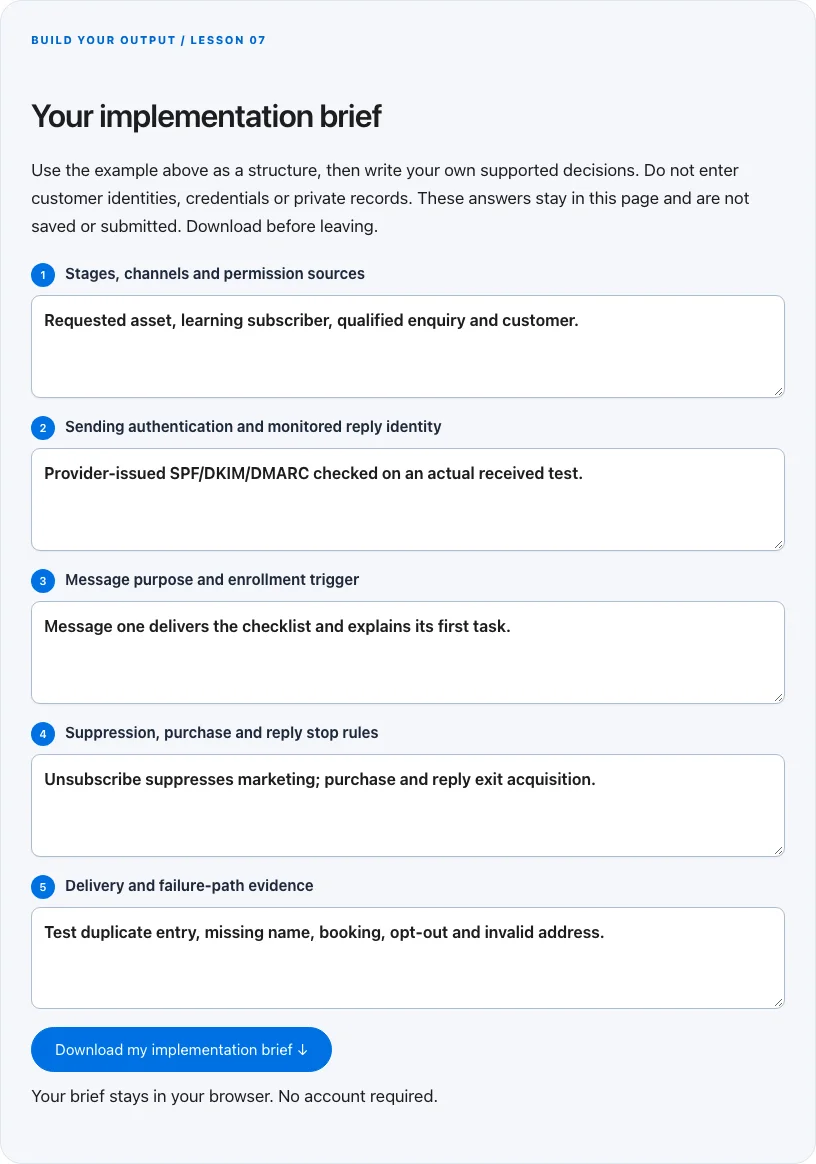
Troubleshoot before you add more tools
| What you notice | What to check next |
|---|---|
| People get sales reminders after buying | Make purchase an exit condition shared across all enrollment paths. |
| Email arrives in spam | Inspect authentication and audience quality before increasing volume or changing domains. |
| Unsubscribe works only in one campaign | Use a central suppression state checked by every marketing workflow. |
BUILD YOUR OUTPUT / LESSON 07
Your implementation brief
Use the example above as a structure, then write your own supported decisions. Do not enter customer identities, credentials or private records. These answers stay in this page and are not saved or submitted. Download before leaving.
Your brief stays in your browser. No account required.
OPTIONAL TOOLS / CHOOSE FOR THE JOB
Tools that fit this lesson
Affiliate disclosure: I may earn a commission if you purchase through these affiliate links. You do not need to buy a tool to complete this lesson. These are fit-based options, not a claim that I personally use every product or that a product caused our companies’ results. Check current features, pricing and terms before buying.
Sender — explore the tool ↗
An email-delivery and automation option for permission-aware sequences. Verify authentication, unsubscribe, segmentation and the actual plan limits. Draft and test the logic before enrolling a real audience.
GoHighLevel — explore the tool ↗
Consider a CRM-centered workflow when you need pipeline ownership and connected follow-up. Map the states first and test the relevant integrations. A simpler tool may be enough for a single page or sequence.
Calilio — explore the tool ↗
A business-phone option when the workflow needs accountable calling or routing. Confirm geography, number availability, recording/privacy requirements and usage charges. A phone system is unnecessary for a purely self-serve digital task.
Systeme.io — explore the tool ↗
A candidate for a simple funnel, asset-delivery and email workflow. Verify the exact plan capabilities and consent handling. Skip it if your current website and email tools already complete the job.
Free starting point: plan the workflow in a document or spreadsheet and test it using tools you already have. Buy a capability only when a verified constraint justifies it. Read the full affiliate disclosure.
Done means verified.
0 / 6 checkedCheck a line only when you have the evidence. A downloaded plan is a starting point; it does not prove that the live workflow works.
Verify all six checks to mark complete.
Review the evidence, then continue
Keep the output you created, the test date, the source of truth and the result of each completion check. Mark a system Live after the path is deployed and tested. Mark it Working only when adequate recent evidence meets a defined outcome target. If the lesson does not fit your business or stage, write the reason and a review trigger instead of pretending it is complete.
Choose one next action, assign an owner and set a review date. More tools, more traffic or more automation are not automatically the next step. The next lesson builds on this artifact, so resolve missing inputs or failed checks before expanding the system.
Go deeper when you need it
- Prepare a permission based email campaign →
- Design a lead handoff that survives retries →
- Conversion tracking →
Primary references and further reading
Provider interfaces, limits and policies can change. Check the current official instructions for your account before implementing. This article teaches an operating method; it does not independently certify compliance or business performance.